Blurred Vision Car Audio & Electronics llc
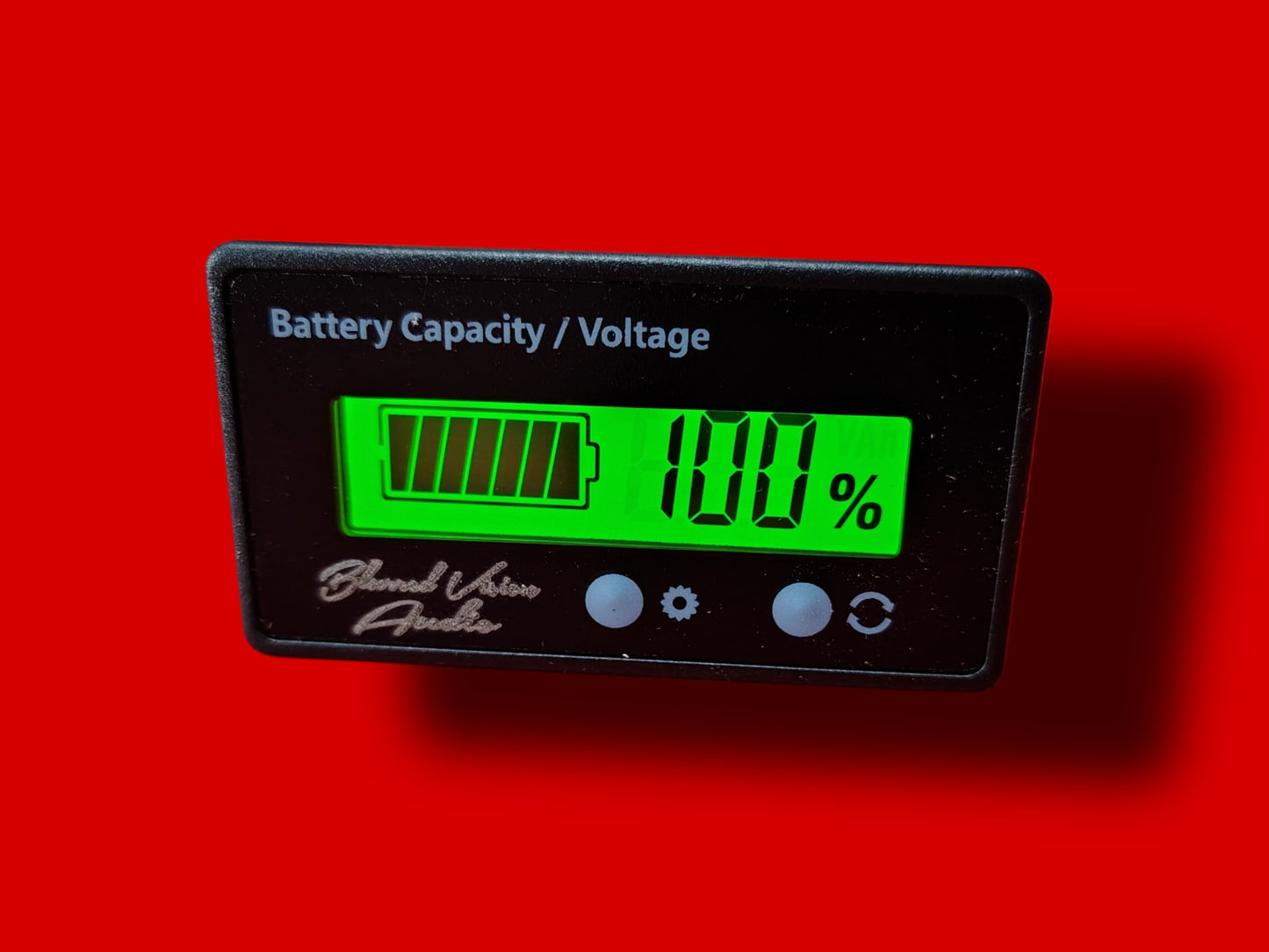
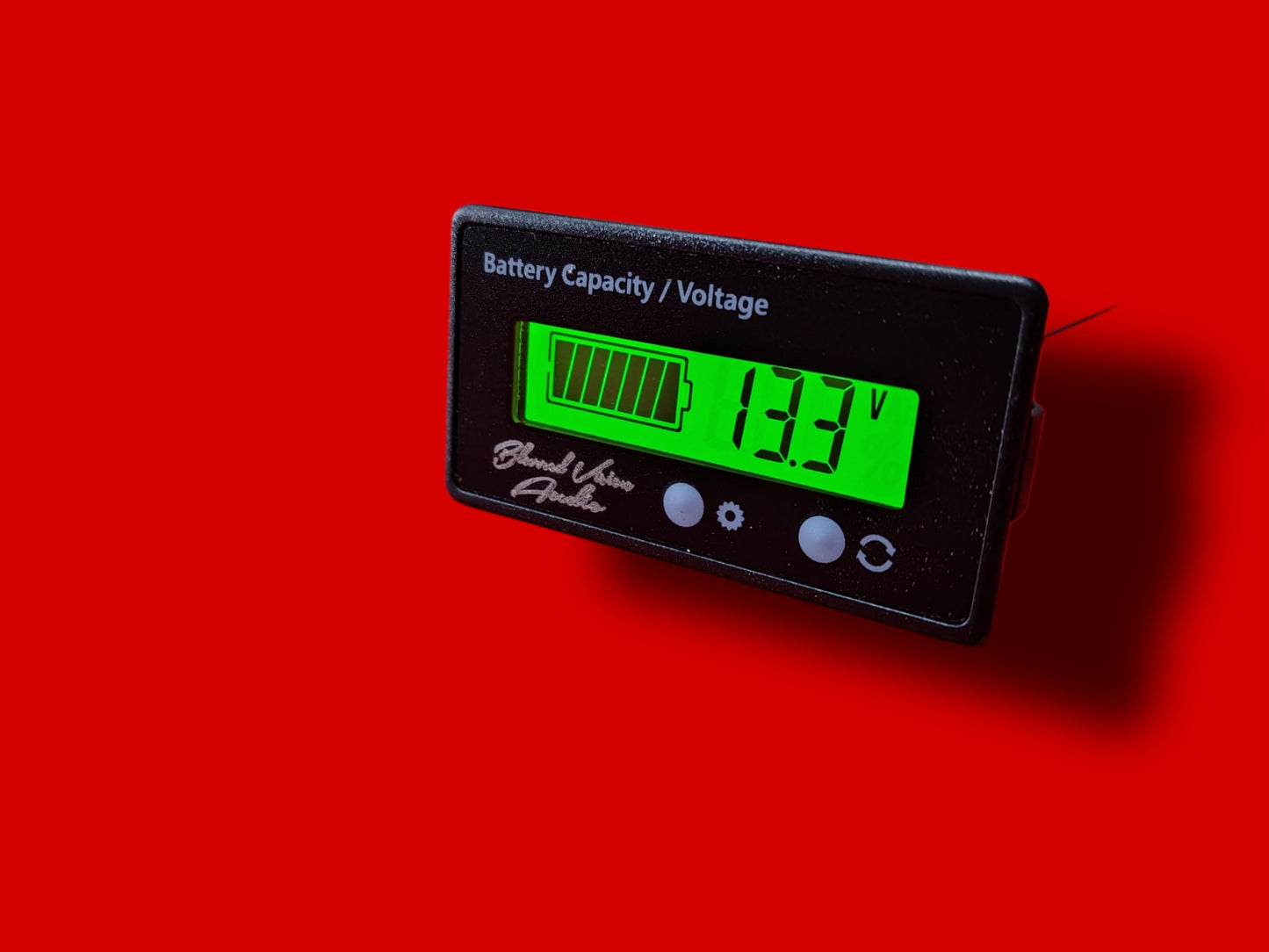
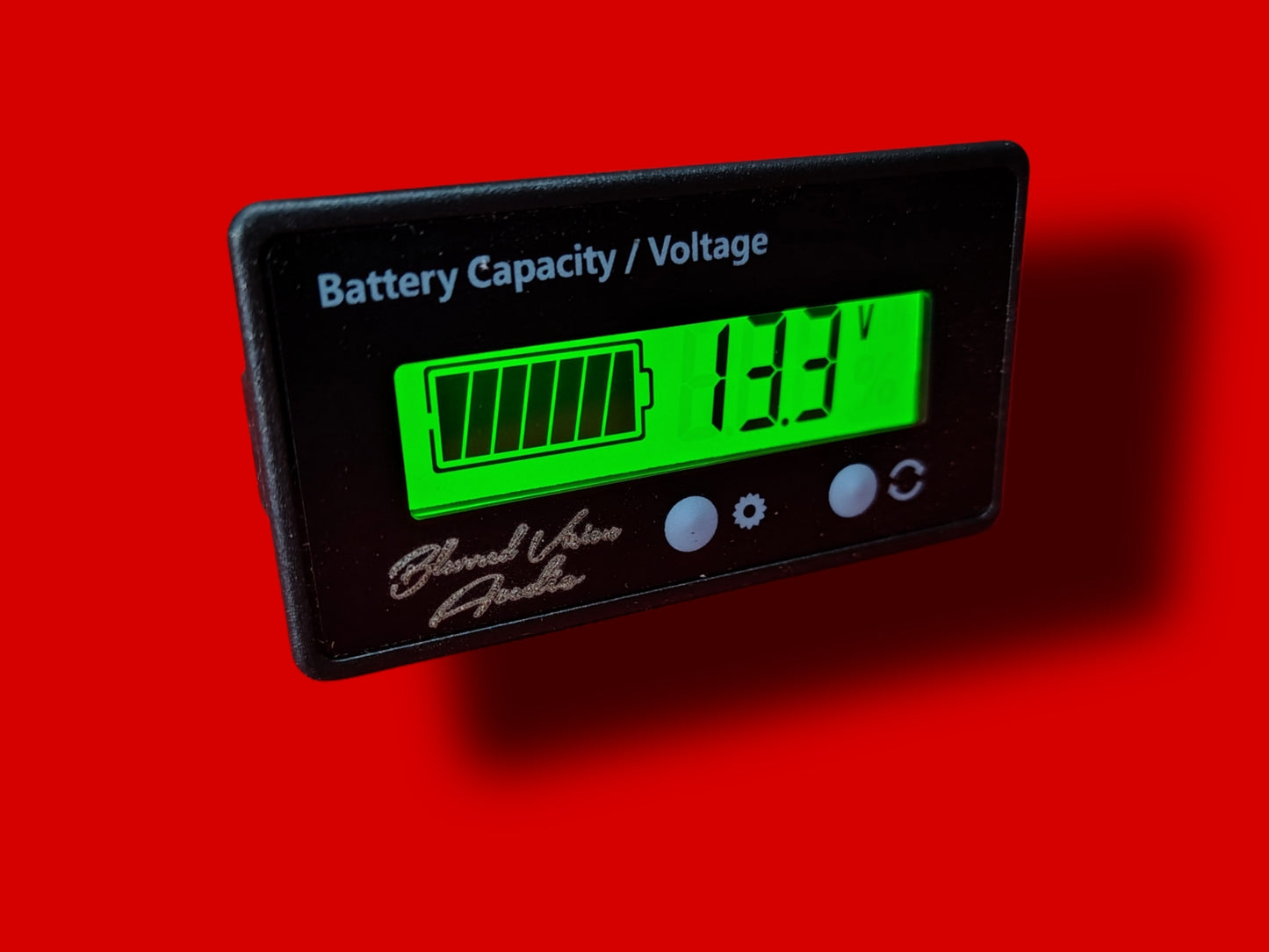
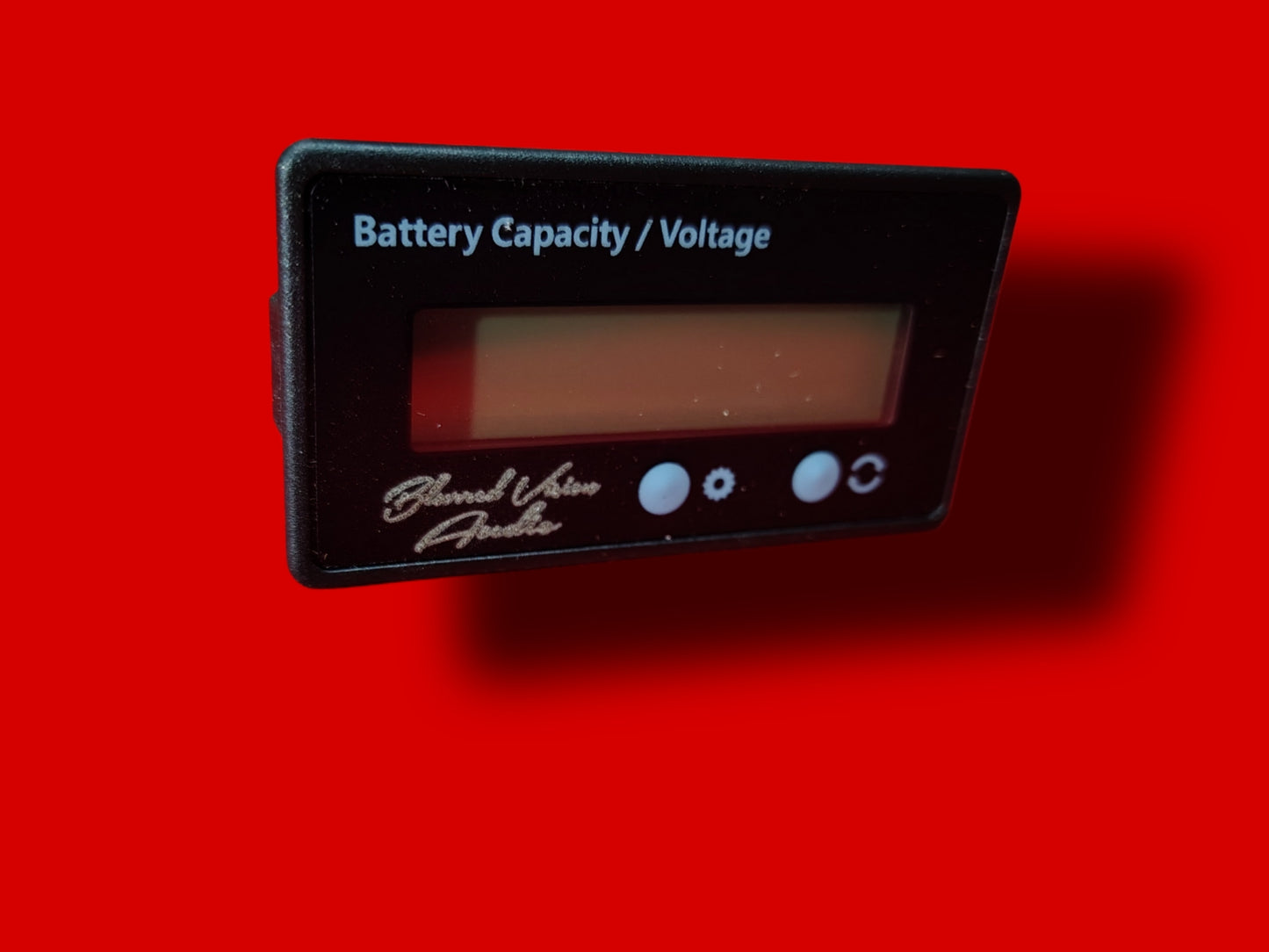
Blurred Vision Audio BV-BCV Battery Status LCD Digital Voltage & Battery Monitor Meter
Blurred Vision Audio BV-BCV Battery Status LCD Digital Voltage & Battery Monitor Meter
Couldn't load pickup availability
Blurred Vision Audio BV-BCV
Battery Status LCD Digital Voltage & Battery Monitor Meter
Product Description
A compact and easy-to-read battery monitor designed to measure and display the charge level and voltage of various battery systems. Suitable for use with cars, scooters, bikes, boats, and other DC-powered devices.
Specifications
Brand: Blurred Vision Audio
Model: BV-BCV
Color: Black / Green
Display: LCD with backlight
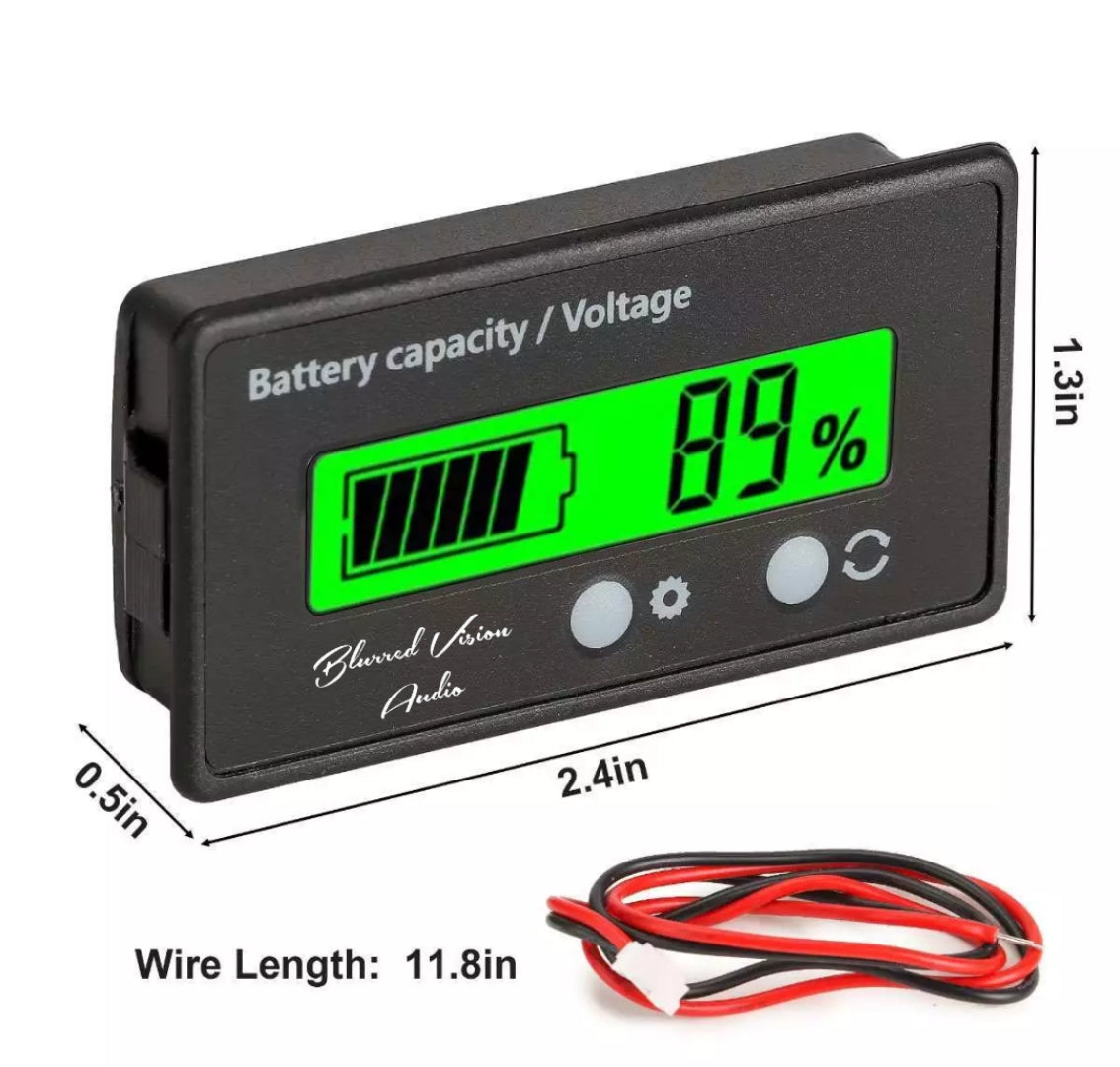
Size: 6 × 3.2 × 1.3 cm (2.4 × 1.3 × 0.5 in)
Base Size: 5.8 × 2.81 cm (2.3 × 1.1 in)
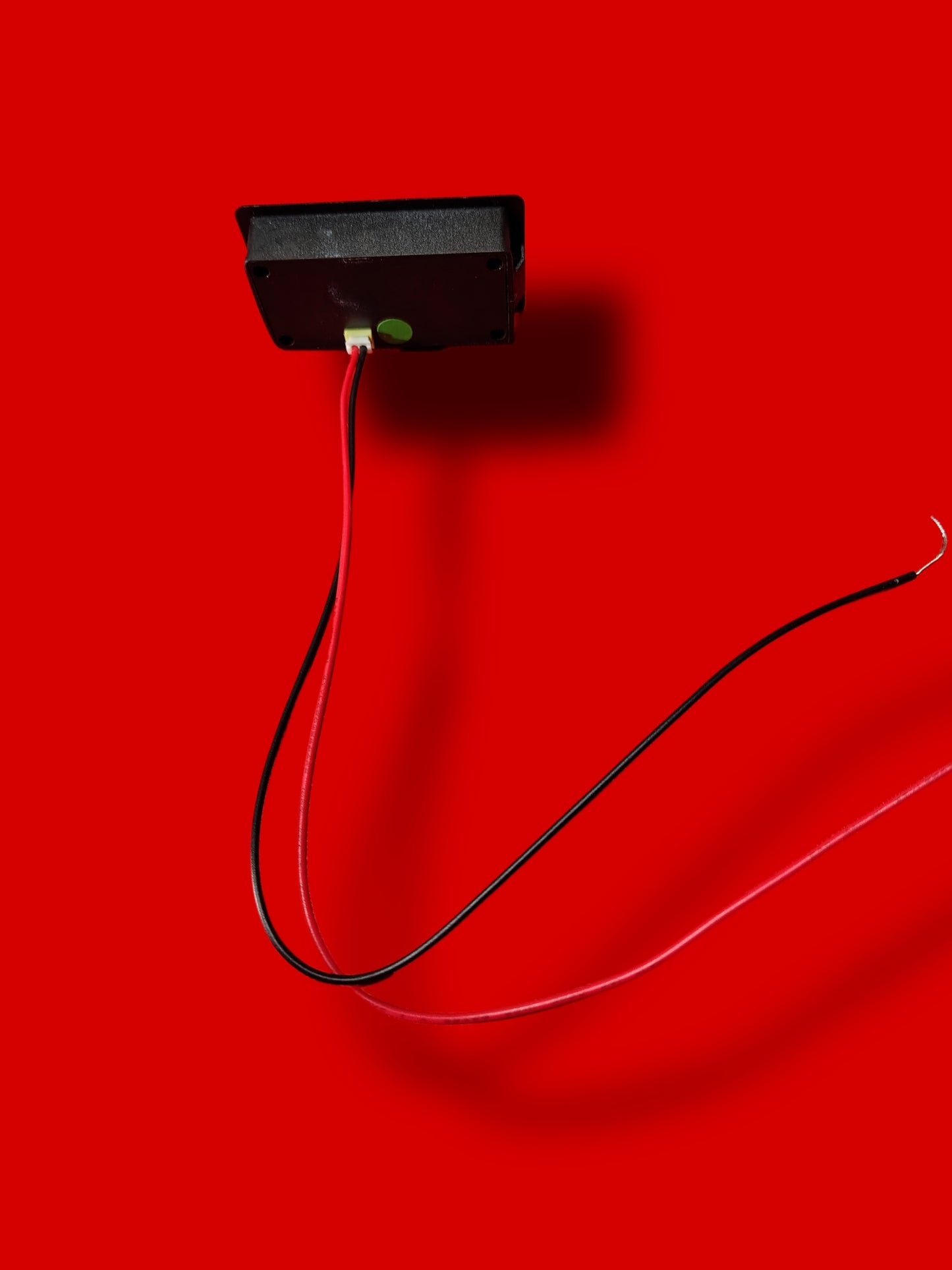
Wire Length: 30 cm (11.8 in)
Shape: Rectangular
Voltage Compatibility: 12V / 24V / 36V / 48V systems
Features
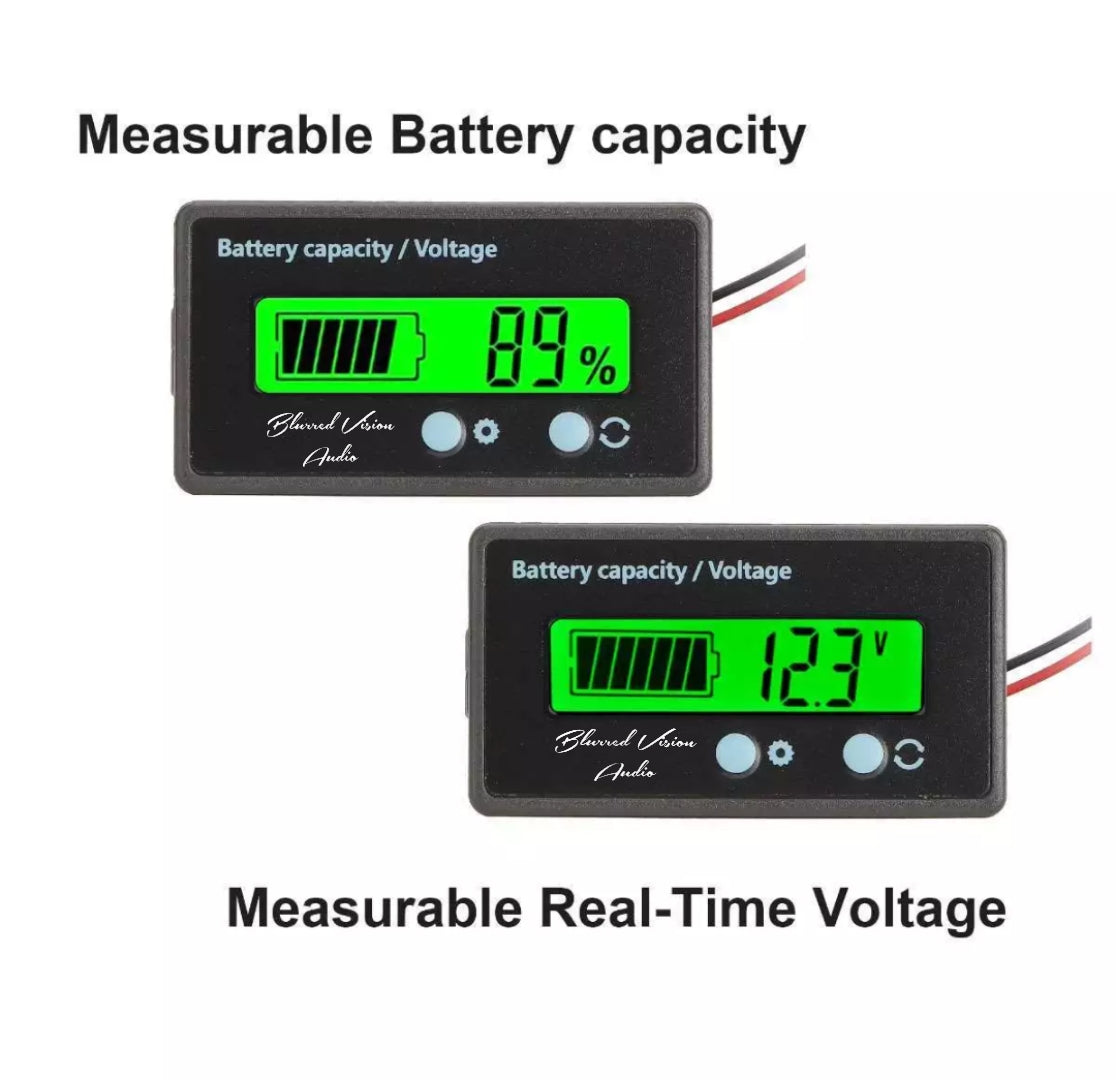
Compact digital battery gauge for real-time monitoring of battery voltage and charge percentage.
Compatible with Lead-Acid, Lithium (Li-ion), and Fe (LiFePO₄) battery types.
Clear LCD display with backlight for visibility in any lighting condition.
Easy wiring setup — included connection cables.
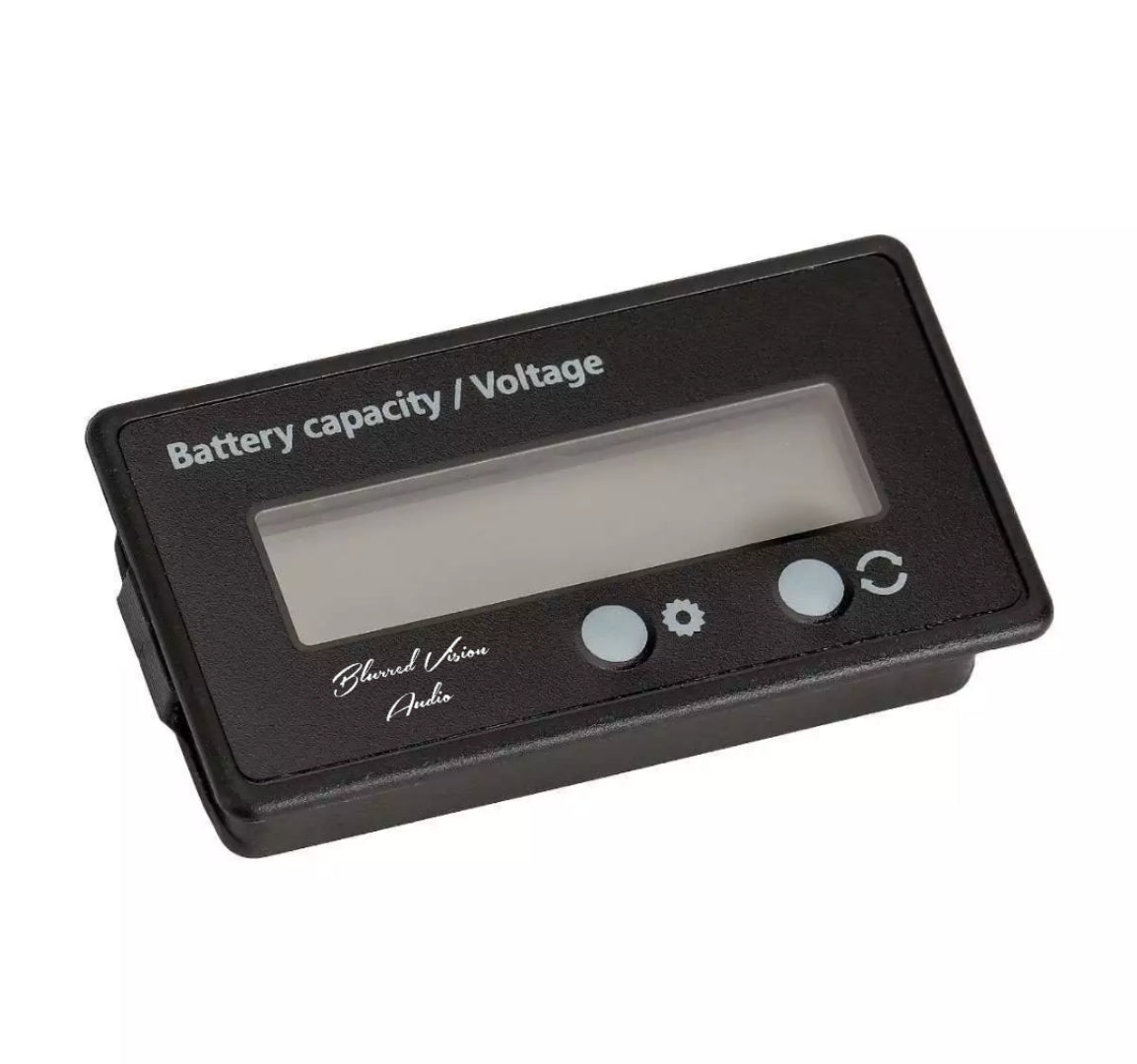
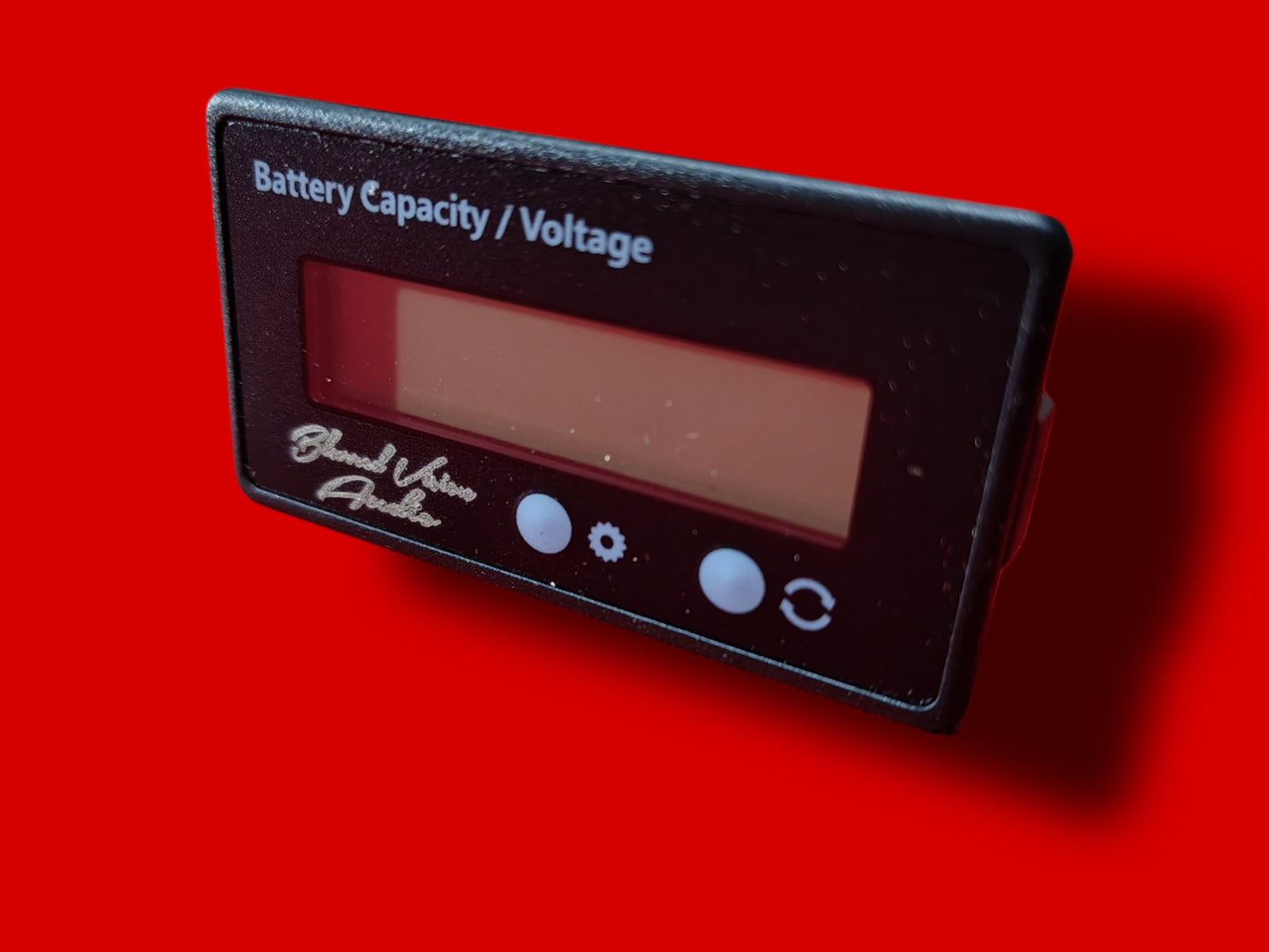
Two control buttons for simple operation:
Right Button: Switch ser-configurable settings and sleep mode.
Simple installation for a wide range of vehicles and applications.
Battery Type Codes
Code Battery Type Standard Voltage per Cell
P Lead-Acid Battery 12V
L Lithium Battery 3.7V
F Fe (LiFePO₄) Battery 3.2V
Setting Options
Setting Function Description
S1 Display % and Voltage alternately every 2 seconds
S2 Enter sleep mode 10 seconds after display
S3 Turn on backlight
S4 Blank (no function)
S5 Battery type selection
Setup Instructions
1. Long press the Setting button to enter Setting Mode.
2. Press Setting to choose battery type (P, L, or F).
3. Press Switch to adjust battery quantity.
Setting button increases
Switch button decreases
4. Long press the Switch button to enter S1–S5 Selection Mode.
5. Press Setting to select the desired S-setting.
6. Press Switch again to exit Selection Mode.
7. Power cycle (turn off then on) to save all settings.
Package Includes
1 × Battery Monitor (BV-BCV)
1 × Wiring Set
Notes
Display color may appear slightly different due to lighting or monitor settings.
Please allow small dimensional variations due to manual measurement.
Share